v35 · checked 2026-10-24
Kanto Tactics on mobile
The phone build is the same browser client. v34 added a full-screen item manager. There is no APK. I have not run a device lab, so the gestures below are from the changelog and the public control notes, checked 2026-10-24.
Source review: official Einoow landing page, v35 changelog, and public client modules checked on 2026-10-24; gameplay claims are limited to those sources.

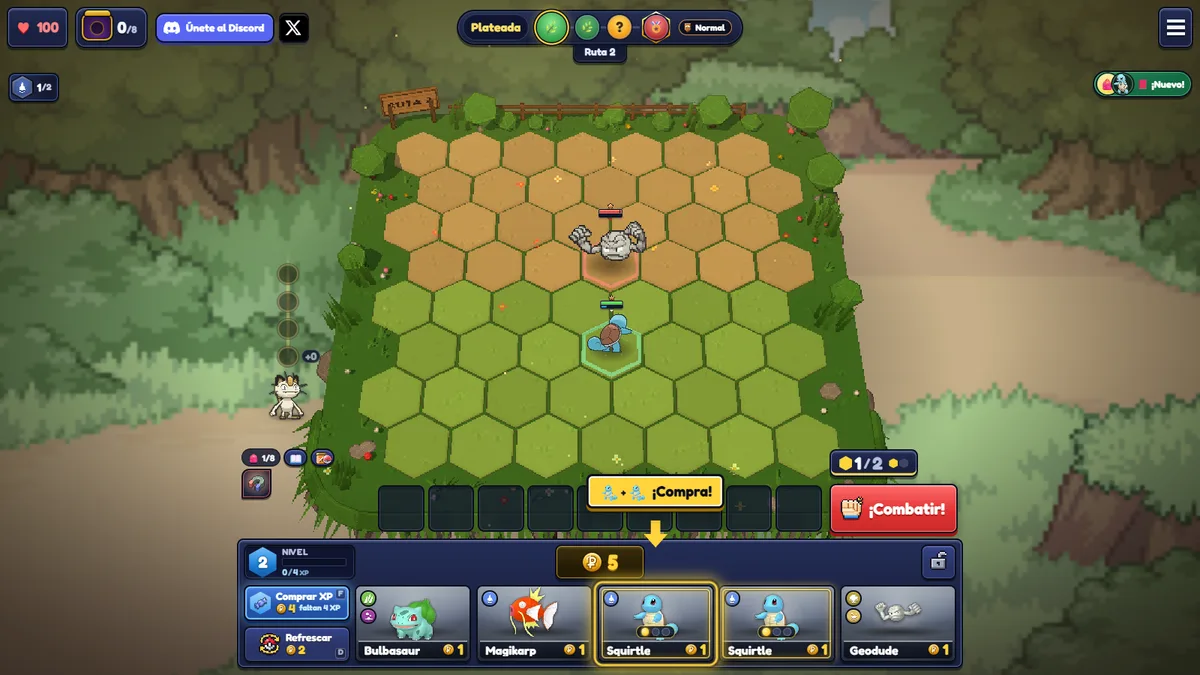
Touch controls
| Action | Gesture | Watch for |
|---|---|---|
| Equip item | Open the manager, tap item, tap Pokémon, press Save | Without Save the change is dropped |
| Swap units | Drag from a tile onto another of your Pokémon | The drag starts on the tile, not the portrait |
| View board during a reward | Hold View board | On PC the same view is V, and V or Esc returns |
| Portrait fight | Your bar becomes the opponent strip | Avatar, name, HP, level; the group icon opens other tables |
Battery and language
Settings include a battery saver that caps the client at 30 fps. A phone that is already struggling is dropped to 30 fps on its own. v34.2 adds Traditional Chinese with Taiwan wording. The client selects it when the browser language is Taiwan, Hong Kong, or Macau Chinese, and you can also pick it in settings.
Saves stay in that browser. Clearing site data removes a save that was never sent to an Einoow cloud account. See save progress.
FAQ
Is there a Kanto Tactics app?
Not as of 2026-10-24. The official page says the game runs in the browser with no download.
Why did my item disappear?
The v34 mobile manager applies items only after Save. A tap without Save does not equip.