v35 · checked 2026-10-24
How to sell a Pokémon
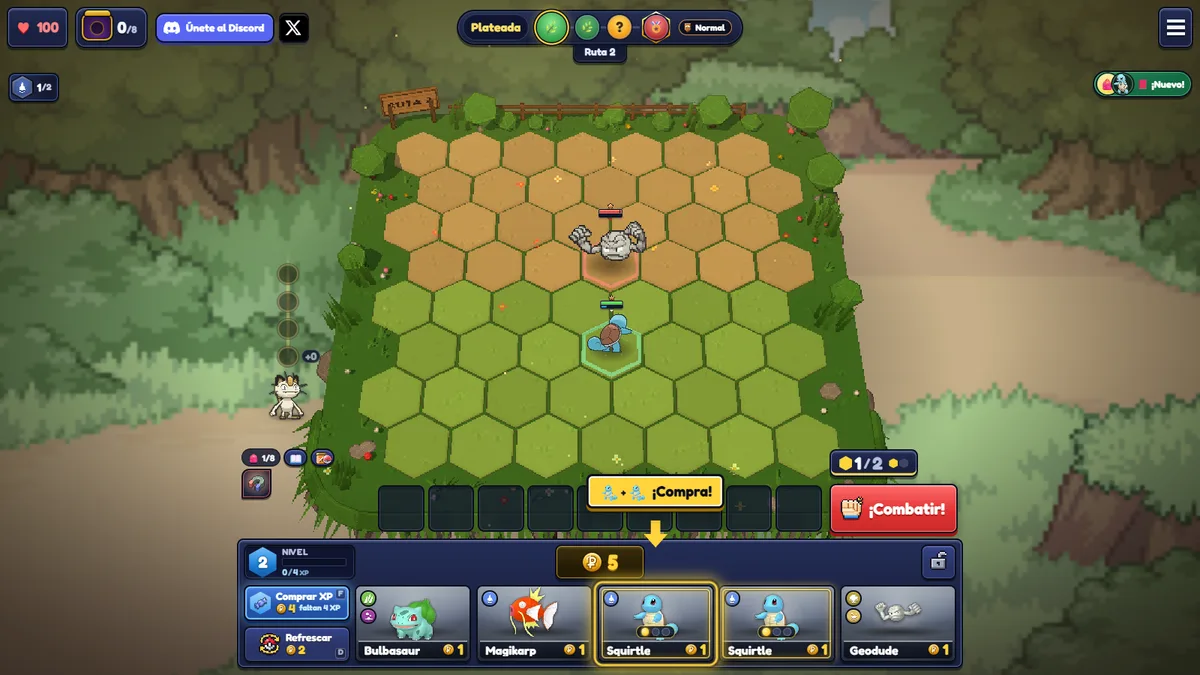
On PC, select a unit and press E to sell. W swaps your view between the bench and the board. Touch uses the sell control on the unit. Read the “Sell for” amount first. A second confirm is not guaranteed.
Source review: official Einoow landing page, v35 changelog, and public client modules checked on 2026-10-24; gameplay claims are limited to those sources.

Three different jobs
| Goal | Do this |
|---|---|
| Need gold or a slot | Select, read Sell for, press E or the touch control |
| Need the items, not the unit | Magnet first, then sell. See remove items |
| Bench is full but a merge is ready | You can still buy if you already hold 2 copies, or 1 copy plus two of that card in the shop |
Units that are on the board during a fight do not count for that full-bench exception. Wait for planning. Selling returns copies to the pool. The pool sizes cited in older notes are 29/22/18/10/9, a 2-star counts as 3 copies, and a 3-star counts as 9. A refund does not promise the next refresh.
FAQ
Does selling always ask me to confirm?
The public notes say it does not always ask. Check Sell for before you press E.
Will the sold Pokémon appear in the next shop?
It returns to the pool. The next roll is still random.